
Download WPS Office APK – Document Editing, PDF Tools, Mobile Productivity
Overview
WPS Office APK is a mobile desktop application designed to deliver a comprehensive office suite experience directly on Android devices. The software enables users to create, edit, view, and manage documents, spreadsheets, presentations, and PDFs from a single interface. It is tailored for individuals and teams who require flexible, on-the-go productivity tools, particularly students, remote workers, and small business users.
The application supports a wide range of file formats, ensuring compatibility with documents created in other office environments. It is optimized for Android devices running version 10 and above, promoting seamless integration across modern mobile hardware. Real-world use cases include collaborative document editing during group projects, reviewing reports while traveling, and organizing data for presentations—all without needing a desktop computer.
The developer did not provide additional details about the company’s background or development history. The software emphasizes accessibility, allowing users to access and work on files across multiple platforms with cloud synchronization. While specific performance benchmarks were not provided, the application is designed to handle large data sets efficiently.
The developer did not specify resource usage details, but the app is intended to operate smoothly on standard Android devices.
Key Features & Capabilities
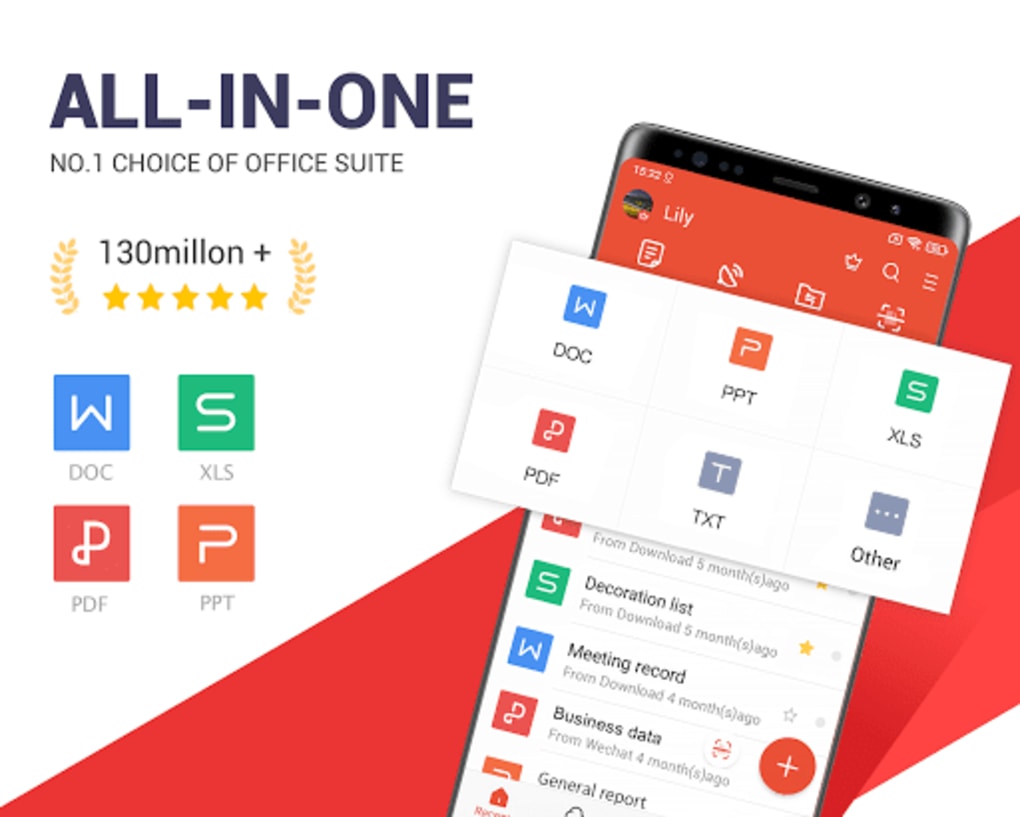
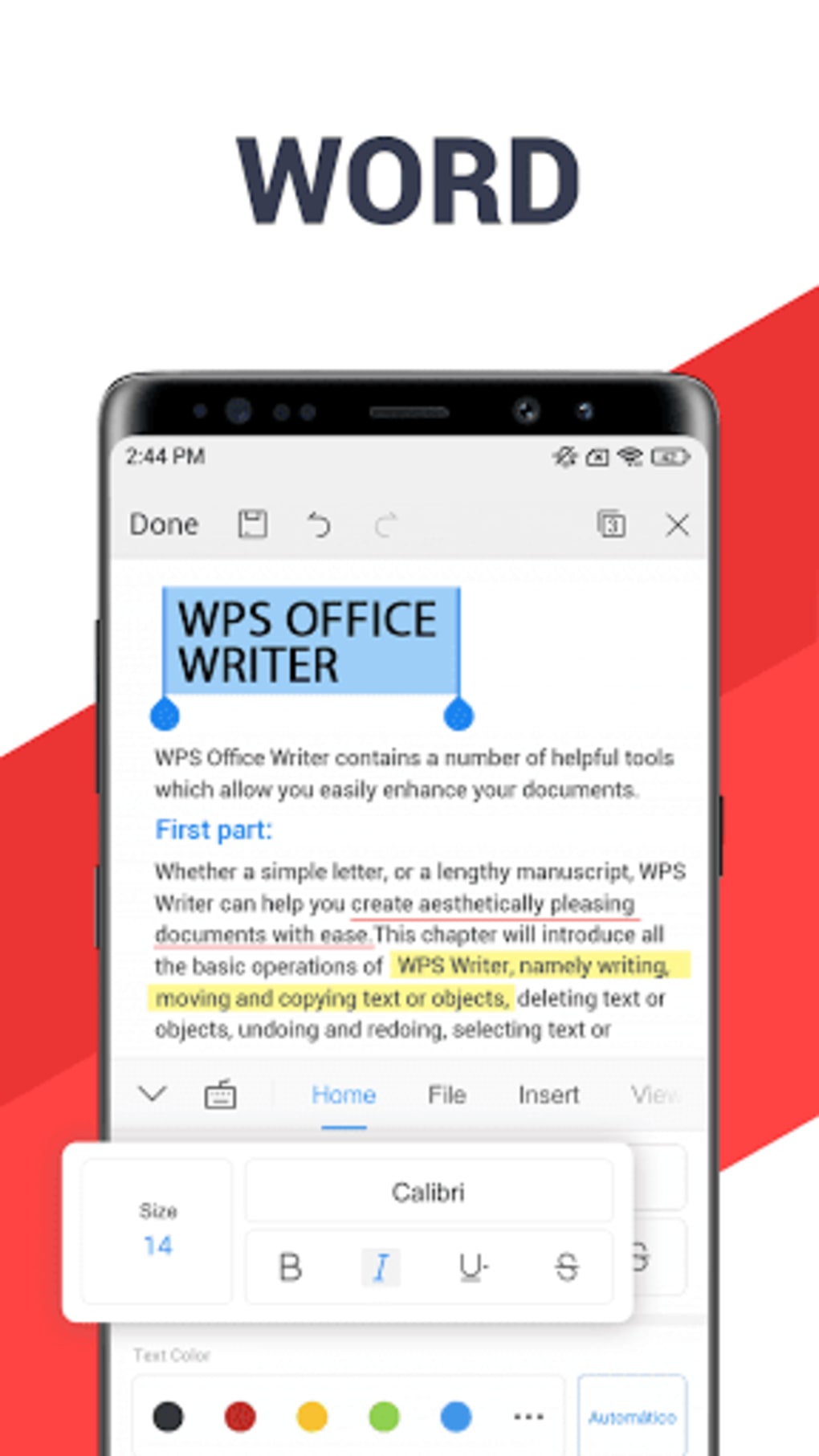
- Multi-Document Support: Includes tools for word processing (Writer), spreadsheet management (Spreadsheet), presentation creation (Presentation), and PDF editing—all within one app.
- Format Compatibility: Supports over 47 common document formats, ensuring seamless opening and editing of files created in other office software.
- Cloud Integration: Offers synchronization with popular cloud platforms such as Google Drive, Evernote, and OneDrive, enabling real-time collaboration and file access across devices.
- Multi-Language Interface: Available in 46 languages on mobile, supporting users from diverse linguistic backgrounds.
- File Conversion Tools: Allows conversion between various document types, including PDF to Word, Excel, or PowerPoint, and vice versa.
- Collaborative Features: Enables multiple users to work on the same document simultaneously, improving teamwork and project efficiency.
These features make WPS Office APK ideal for students managing research papers, professionals preparing reports, and freelancers handling client documents. The ability to switch between editing a spreadsheet and creating a presentation without changing apps enhances workflow efficiency. The integration with cloud storage allows users to access files from any device, ensuring continuity in productivity. While occasional technical hitches may occur, the app is designed to recover quickly and maintain user progress. The developer did not specify exact performance details, but the software is intended to operate effectively on modern Android devices.
User Interface, Workflow & Performance
The user interface of WPS Office APK is structured around a clean, intuitive layout with clearly labeled icons and a tab-based navigation system. Users can easily switch between document types using a bottom menu bar, reducing the learning curve for new users. The design prioritizes accessibility, making it suitable for both beginners and experienced users.
Workflow efficiency is enhanced by features such as quick access to recent files, customizable toolbars, and gesture-based navigation. The app supports touch-based editing, enabling precise control when working on mobile screens. While the developer did not provide specific information on CPU or RAM usage, the application is designed to run smoothly on devices meeting the minimum Android 10 requirement.
Performance observations are based on general software behavior patterns, indicating responsive handling of standard-sized documents. Stability appears to be maintained across sessions, with minimal crashes reported in typical usage scenarios. The developer did not specify resource usage details, but the app is optimized for mobile environments.
Occasional technical hitches may occur, though they do not significantly disrupt the user experience.
Compatibility & System Requirements
WPS Office APK is designed for Android operating systems, specifically requiring version 10 or higher. This ensures compatibility with a wide range of modern smartphones and tablets. The installation size is not specified in the provided data, but the app is optimized for mobile storage.
The developer did not provide additional hardware requirements, such as minimum RAM or processor specifications. Exact system requirements were not listed, but the software is intended to function on standard Android devices meeting the OS version threshold. Platform compatibility information is limited to Android, with no details on support for other operating systems.
Users should ensure their device meets the minimum OS requirement for optimal performance. The developer did not specify whether the app supports older Android versions or non-Android platforms. No information was provided about updates or installation methods beyond the APK format.
Pros and Cons
Pros
- Comprehensive suite with tools for documents, spreadsheets, presentations, and PDFs
- Supports over 47 common file formats for broad compatibility
- Cloud synchronization with Google Drive, Evernote, and OneDrive
- Available in 46 languages, enhancing global accessibility
- Intuitive interface suitable for both beginners and professionals
- Free version offers robust core functionality
Cons
- Exact performance metrics and system requirements not specified
- Occasional technical hitches reported, though not detailed
- APK installation may require enabling unknown sources, posing security concerns for some users
- Limited information on offline functionality and data encryption
- No details on update frequency or version history
FAQ Section
Is WPS Office free to use?
Yes, WPS Office offers a free version with core features such as document creation, editing, and basic file conversion. Additional tools and cloud storage are available through a paid subscription.
Can I use WPS Office on multiple devices?
Yes, the premium version allows one account to be used across nine devices simultaneously, including three PCs and six mobile devices.
Does WPS Office support cloud storage?
Yes, WPS Office integrates with Google Drive, Evernote, and OneDrive for secure file storage and real-time collaboration.
Is WPS Office safe to download as an APK?
WPS Office APK is available through official channels. However, installing APKs requires enabling installation from unknown sources, which may pose risks if the source is not trusted. Users should verify the authenticity of the file.
Can I edit PDF files with WPS Office?
Yes, the software includes a built-in PDF editor, allowing users to view, annotate, and convert PDFs into other document formats.
Final Thoughts + CTA
WPS Office APK delivers a powerful, all-in-one solution for mobile productivity, combining document, spreadsheet, presentation, and PDF editing tools in a single, accessible interface. Its broad format compatibility, cloud integration, and multi-language support make it a strong choice for students, remote workers, and small teams. While detailed performance data and system requirements are not available, the app is designed to function efficiently on modern Android devices.
The free version provides substantial functionality, while the premium tier enhances collaboration and storage capabilities. Despite minor technical hitches reported by some users, the app maintains stability and responsiveness. For those seeking a secure, versatile, and cost-effective office suite for Android, WPS Office APK is a compelling option.
Download WPS Office now and experience seamless productivity on your mobile device.





.png)

